Using Elyv
Searching
Search types, automatic detection, profile links, Incognito, Advanced Search and precision fields.
Search types
The type picker in the search box lists every type. The main ones:
| Type | What runs |
|---|---|
| Username | A sweep of 1,400+ sites, profile details, photos, breach index and public breach sources. |
| Account checks on services, Gravatar, breach index and public breach sources. | |
| Phone | Operator and number history for French numbers, caller reports, breach index. |
| Full name | Breach index, company officers and public records, with optional precision fields. |
| IP address | Location, network owner, reputation and abuse lists, breach index. |
| Domain | WHOIS, DNS, subdomains, certificates and breaches of the domain. |
| IBAN | Bank, branch, check digits and the bank's company record. |
| Wallet | Balance and activity on Bitcoin, Ethereum and many other chains. |
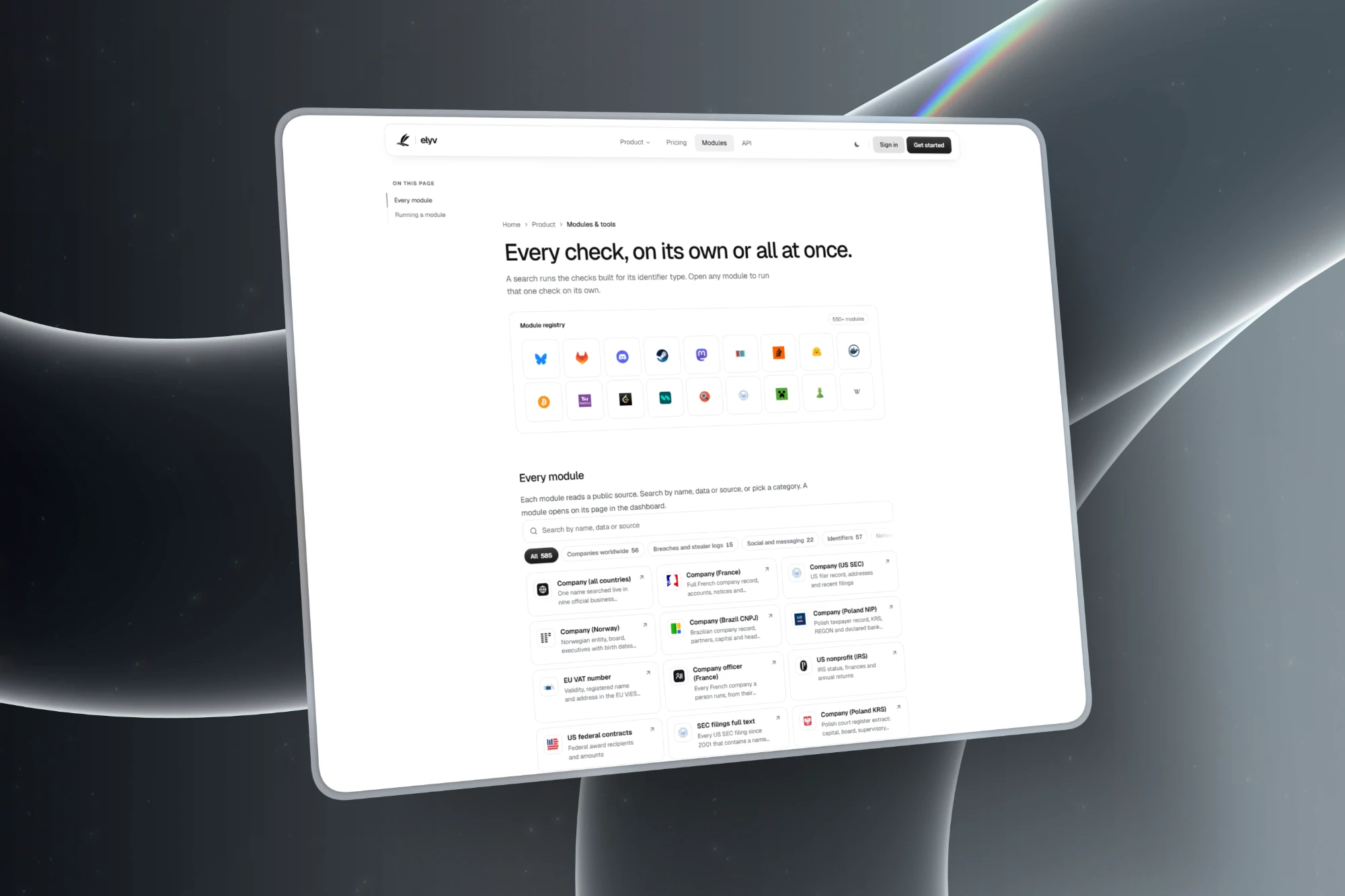
More than 550 other modules, from company registers to game accounts, are listed on Modules.
Automatic detection and links
With the type on Auto, Elyv reads what you typed and picks the type. Pasting a profile link also works: a Telegram, YouTube, GitHub, Bluesky or Mastodon link, and about fifty others, runs the right module on the handle inside it.
Incognito
Turn on Incognito before sending and the search is not saved to your history, whatever your plan. The browser tab title also stays generic, so the query does not land in your browser history.
Advanced Search
The Advanced toggle is available for usernames, emails, phones, IPs and full names on the Resolution and Knowledge plans. It adds a pass through a larger leak database, 5 a day on Resolution and 30 a day on Knowledge. See Advanced Search.
Full name precision fields
For a full name you can add a city, a date of birth or a postal code to narrow the breach matches. The fields are available on the Resolution and Knowledge plans.
Suggestions from your history
While you type, earlier searches that match appear under the box. Picking one only fills the box, it never runs a search.
Where to go next
Still stuck? Contact support with your username and what happened.