Start here
Getting started
Create an account, pick a plan and run your first search in a few minutes.
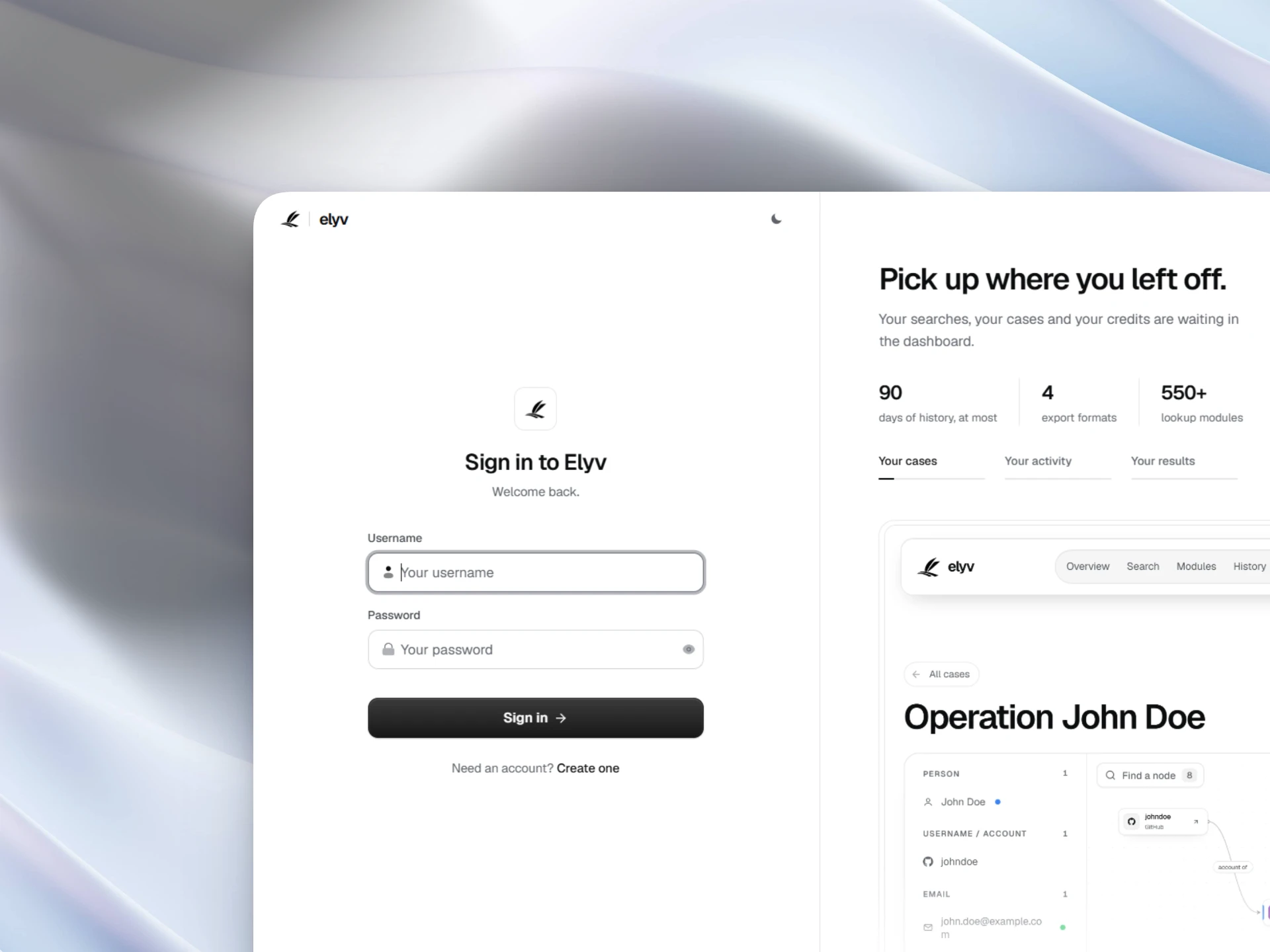
Create an account
- Open the sign up page
Go to Create account. You only need a username and a password of at least 8 characters that has not appeared in a known breach. No email address is asked for.
- Pass the security check
A Cloudflare Turnstile check runs on the form to keep bots out. It usually passes on its own.
- Land on the dashboard
You arrive on the Overview. A short tour shows the main spaces the first time.
Pick a plan
Every search and module run needs an active plan and uses one from its quotas. Pick a plan on Pricing, or redeem a key in Account if you were given one. Payment is in crypto only, see Plans and quotas.
Run your first search
- Open Search
Click Search in the top bar, or press / from anywhere in the dashboard.
- Type or paste an identifier
Leave the type on Auto: Elyv detects emails, phones, IPs, domains, IBANs, wallets and profile links on its own.
- Send
Press Enter. The result builds as sources answer, usually in a few seconds.
The dashboard at a glance
| Space | What it is for |
|---|---|
| Overview | Your activity, recent searches, cases and starred modules. |
| Search | The search box and every result. |
| Modules | The directory of every lookup, with a page for each one. |
| History | Past searches, kept according to your plan. |
| Link analysis | Case boards where you connect people, accounts and places. |
| Radar | Publicly reported data breaches from the Have I Been Pwned catalogue, newest first. |
| Account | Plan, quotas, profile, password, devices and preferences. |
Where to go next
Still stuck? Contact support with your username and what happened.