Using Elyv
Link analysis
Case boards: nodes, links, organising, investigating and exporting a case.
Cases
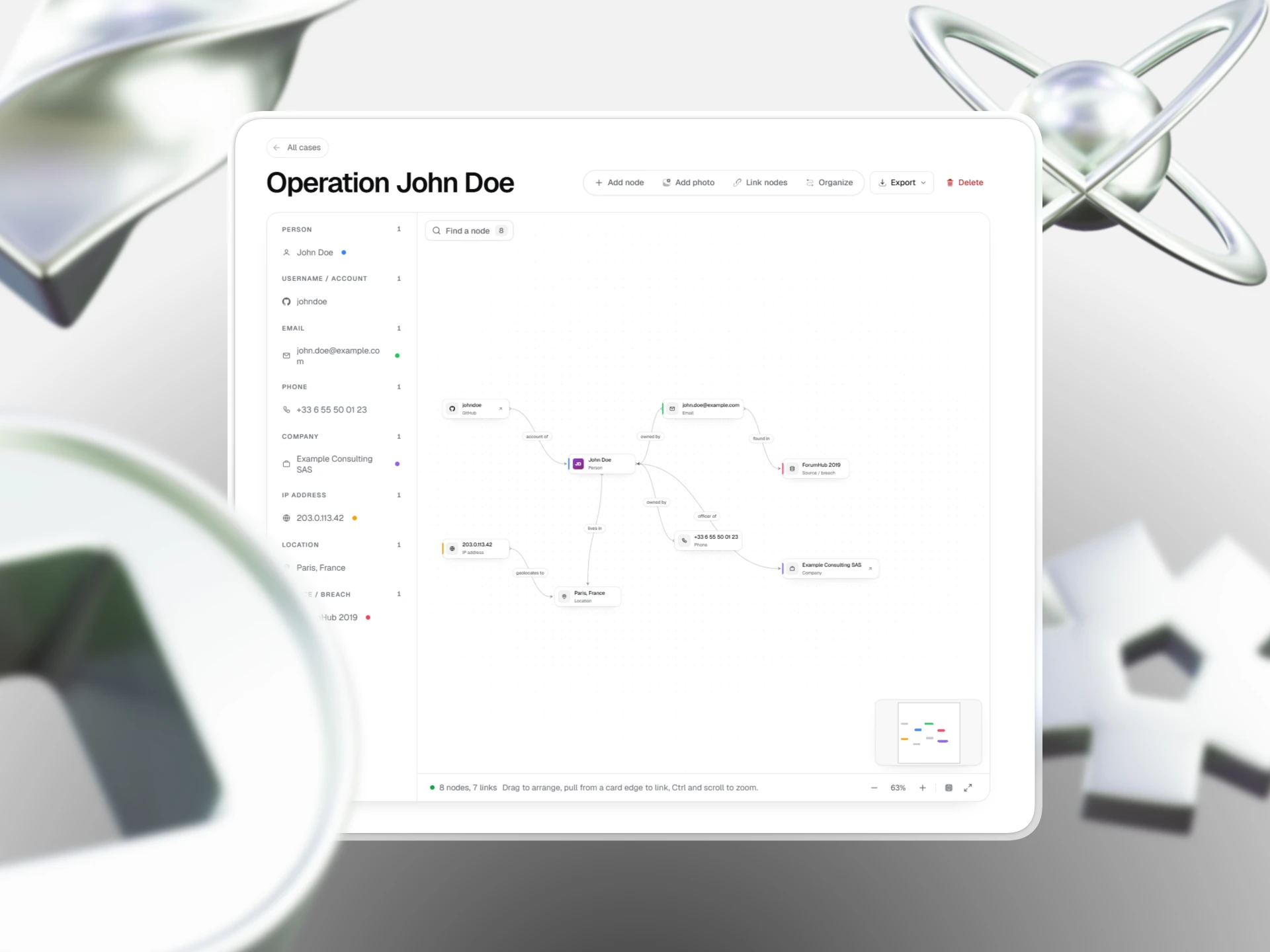
A case is a board that belongs to you. Create one from Link analysis, or from any result with Add to case.
Nodes and links
- Add node creates a person, account, email, phone, company, IP, location, source or note. The type is guessed from the label.
- Link nodes: click one node, then another, and name the relation (owned by, lives in, found in).
- Organize spreads the board so nothing overlaps.
- Fullscreen and the minimap help on large cases.
Investigate from a node
Open a node and run a search on its value. Findings can be added to the board as new nodes. Searches and module runs are billed as usual.
Exporting a case
Export in the board header downloads the whole case as JSON, or its nodes and its links as CSV files.
Where to go next
Still stuck? Contact support with your username and what happened.